Change how Dopppel looks
You can make Dopppel light or dark, pick the font you read in, pick a color, and put a backdrop behind your chat.
2 min readMaking it yoursUpdated 22 September 2026
What it is
It is all on one page: open Settings and pick Appearance. Every change happens right away, so you can see it while you choose.
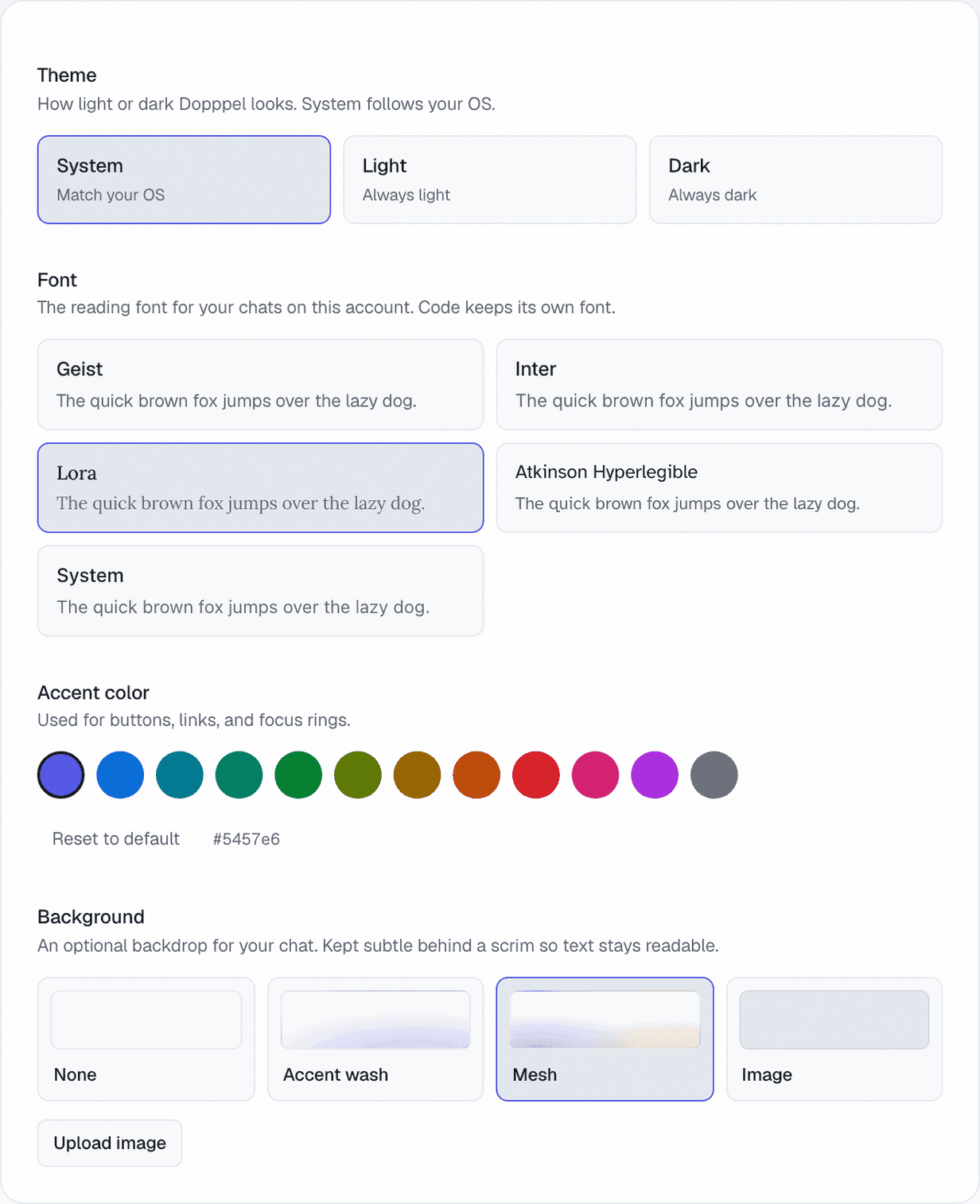
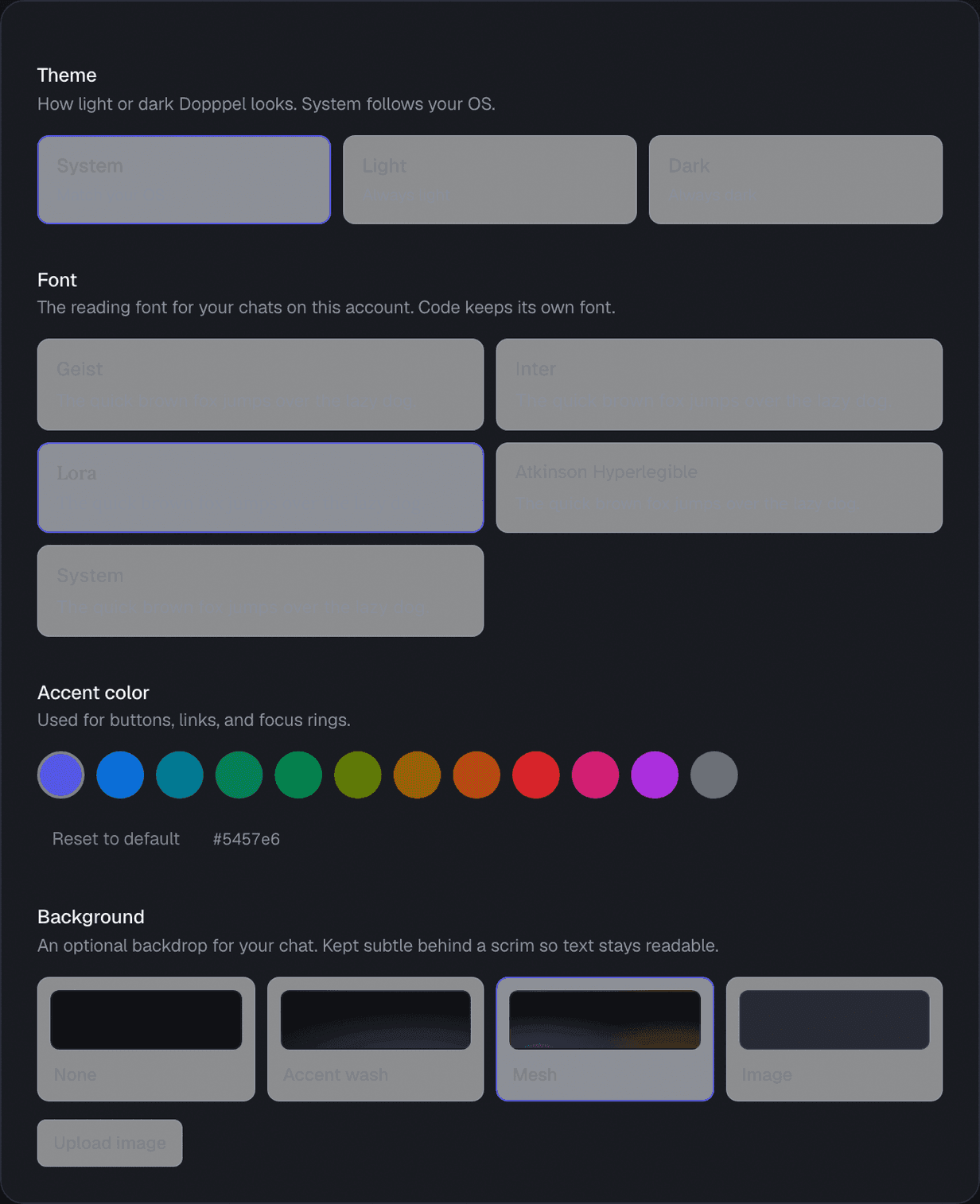
Theme has three buttons. System follows your phone or computer, Light is always light, Dark is always dark. Font has five to pick from: Geist, Inter, Lora, Atkinson Hyperlegible and System. Atkinson Hyperlegible was made to be easy to read, so try that one if letters are hard to tell apart.
Accent color is a row of twelve circles. Tap one and buttons, links and rings turn that color. "Reset to default" puts it back. Background is four tiles: None, Accent wash, Mesh, or a picture of your own. Whichever you pick stays soft behind the words, so your chat is still easy to read.
How to use it
- 1Open Settings from your account menu, then pick Appearance.
- 2Tap System, Light or Dark at the top.
- 3Tap a font. Each one shows you a line to read first.
- 4Tap a color circle. There are twelve.
- 5Pick a background tile, or tap "Upload image" to use your own picture.
Questions
How do I make Dopppel dark?
Open Settings, pick Appearance, and tap Dark. Tap System instead and it follows your phone or computer.
Which fonts can I pick?
Five: Geist, Inter, Lora, Atkinson Hyperlegible and System. Code always keeps its own font.
Can I pick any color I want?
You pick from twelve circles. They are all chosen to stay easy to read, in light and in dark.
Can I use my own picture behind my chat?
Yes. Tap "Upload image" and pick a photo. It has to be under 5 MB, and it cannot be a moving picture.
Will a background make my chat hard to read?
No. Whatever you pick sits behind a soft cover, so the words stay clear.
Do I have to be signed in?
For the theme, font and color, no. To use your own picture as a background, yes.
Was this helpful?